01
Step 1
Tell us what needs doing
Search in your own words or choose a service. Start with the problem, not a long form.
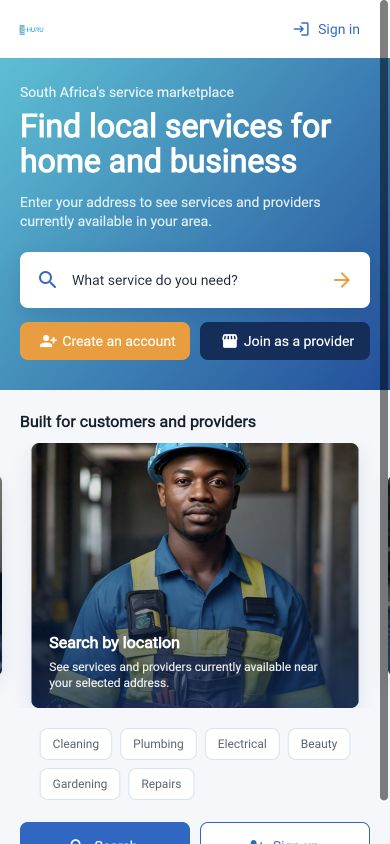
What needs sorting?Plumber for a leaking geyser

From request to sorted
Tell E-Huru what you need, check who serves your area, and keep the booking in one place.
Four simple steps
Each step keeps the important information visible, so you know what happens next.
Step 1
Search in your own words or choose a service. Start with the problem, not a long form.
Step 2
Add the service address so E-Huru can show providers and availability for that area.
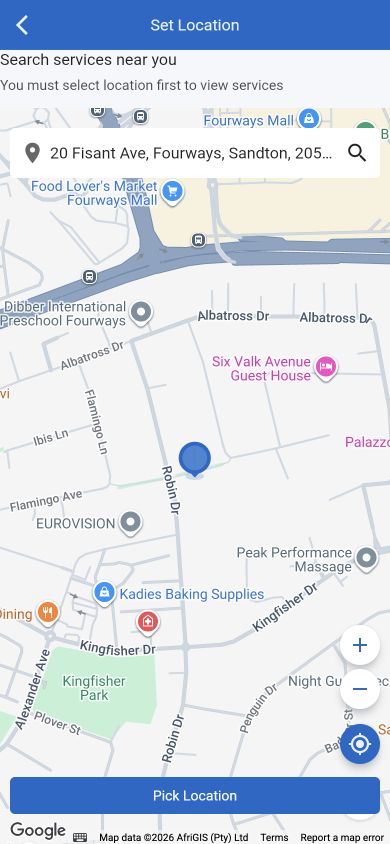
Step 3
Review the service, provider information, prices, and available times before deciding.
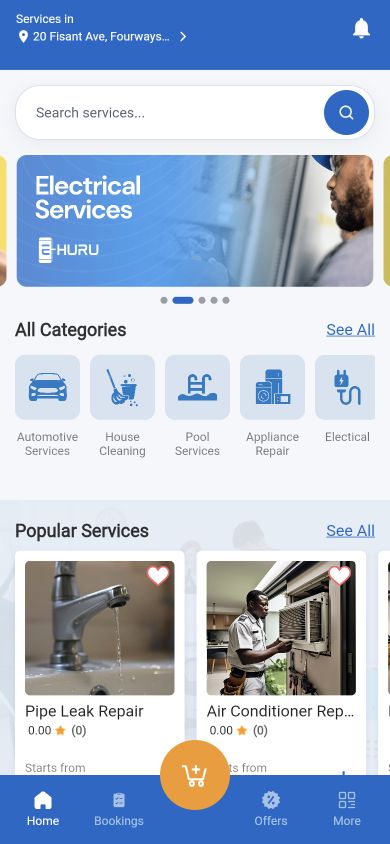
Step 4
Confirm your request, receive status updates, and keep the job details connected to your account.
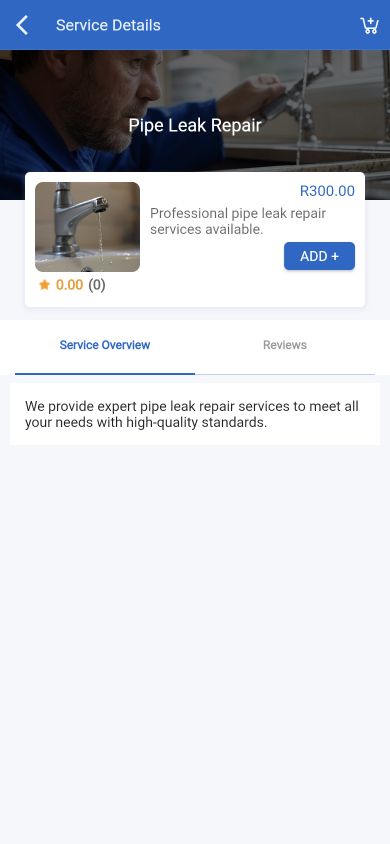
Review the details before booking and keep the request, provider, and progress together.
Browse servicesThe service, location, and booking details arrive together so the provider can respond with better context.
Register as a providerReady when you are
Search for the service, add your location, and see what is available nearby.
Find local help